

What does Heardat offer their users?
Practive overview
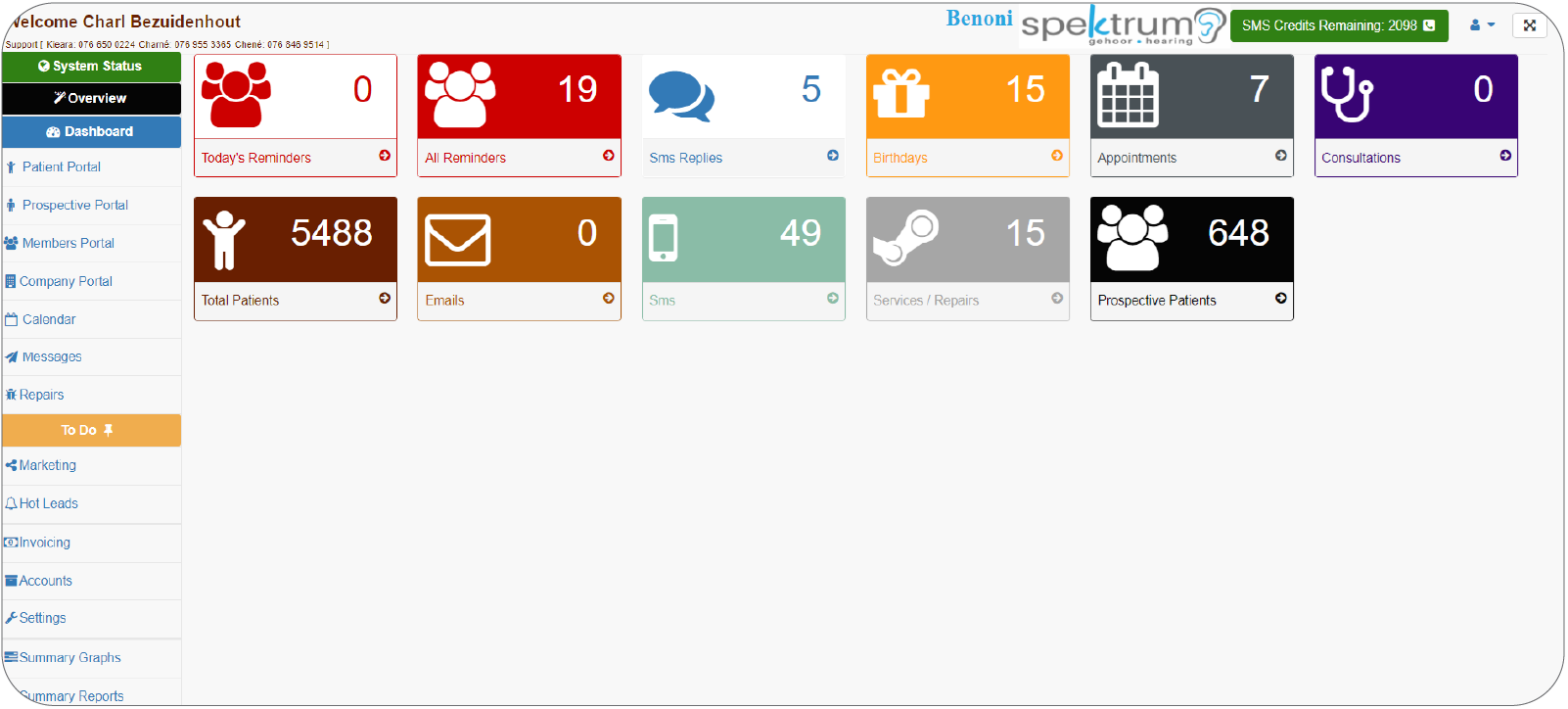
Start your day by knowing exactly what is going on in your practice.
- Who’s birthday it is
- How many appointments
- Total patients
- Reminders
- Communications sent
- Services in progress
- One touch, easy access
Patient Dashboard
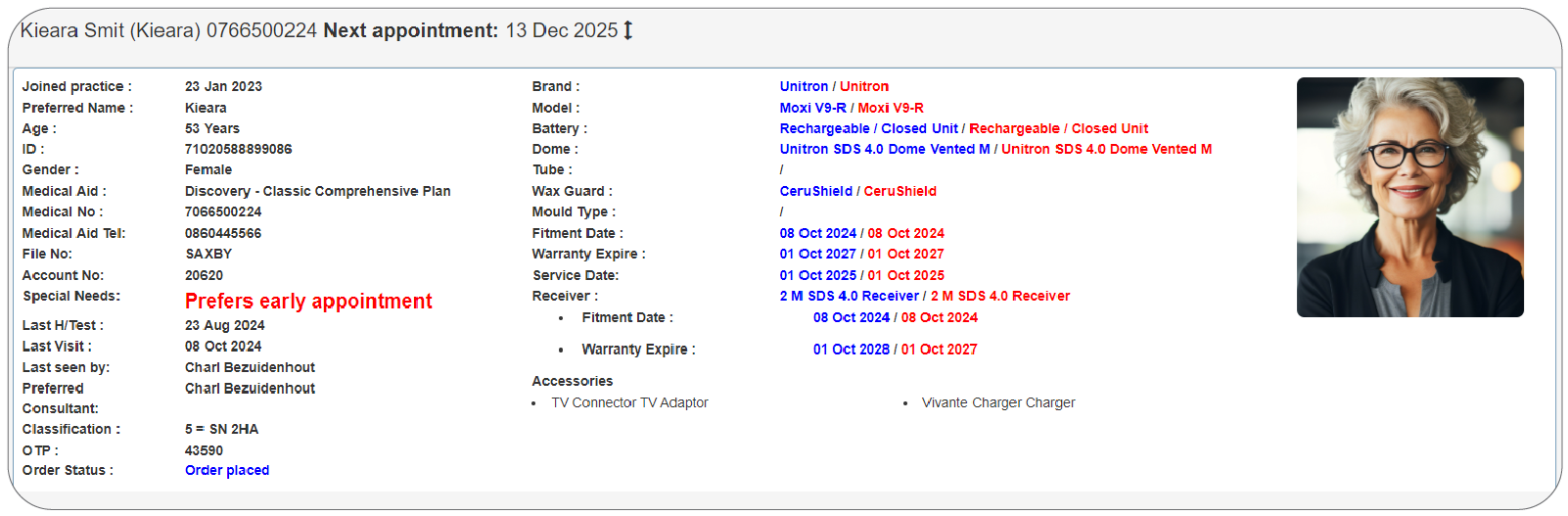
A summary of the patient’s details; see when the patient joined the practice, medical aid details, and last consultation details. Also see the patient’s hearing aid details, diagnosis and unique classification. This enables the user to transition from traditional patient files to an advanced paperless practice…or go 50/50 if you’re still ‘old school’. The system accommodates all methods.
Patient portal
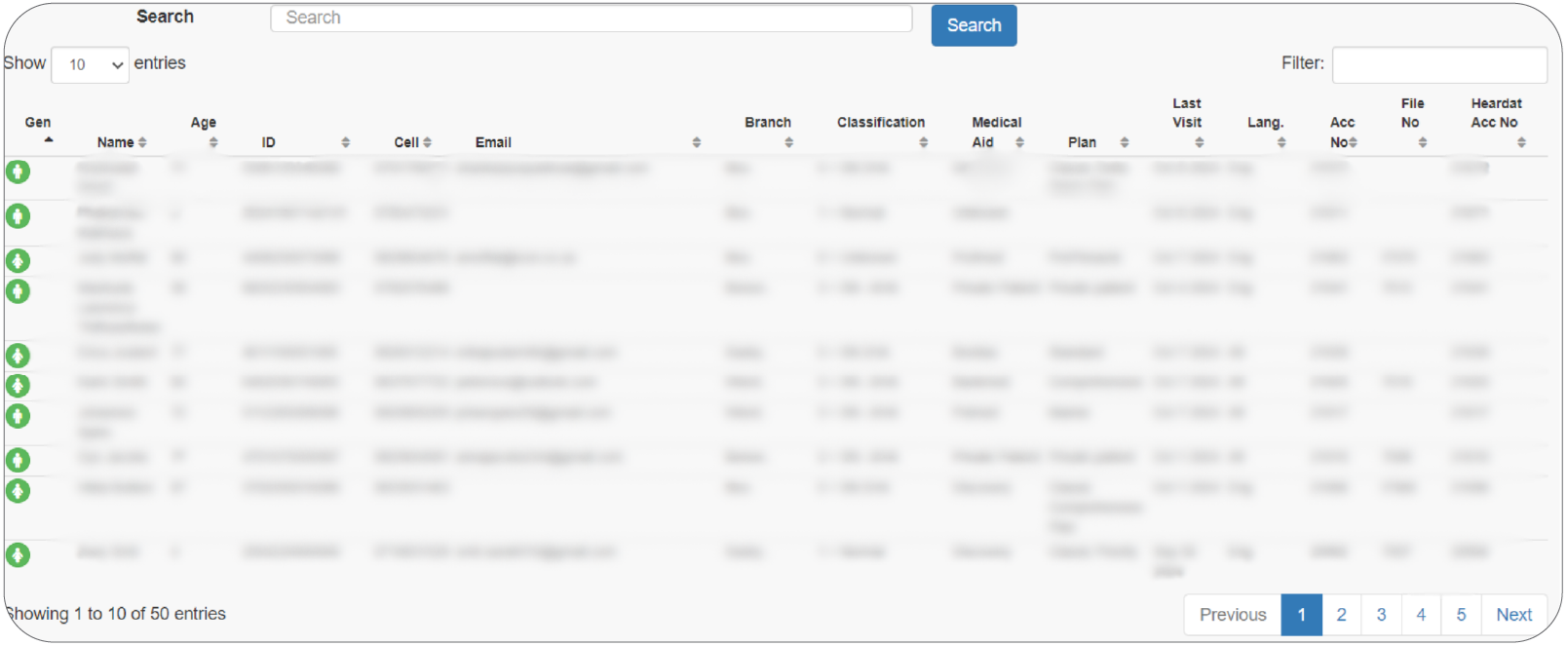
Patient portal / Main member / Prospective portal, etc.
With the various demographical portals, the system allows you to differentiate between profiles and the type of communication is adjusted accordingly. It is all about data integrity. Integrity is something we really grasp and value!
New consultation
Enables the examiner to insert the details of the consultation performed on the patient. Also see a consultation history of the patient at one glance. Essentially allowing the practice to go 100% paperless. With virtual consultation notes and all activity logs which can be downloaded accordingly.
Hearing aid & accessories information
View all hearing aid and accessories details linked to the patient. Book the devices and accessories in for repairs.
98% of all hearing aids are loaded.
All Nappi codes are also preloaded.
The following information is added:
|
Technology level |
Slim tube type & length |
This includes all cochlear devices the variety thereof.
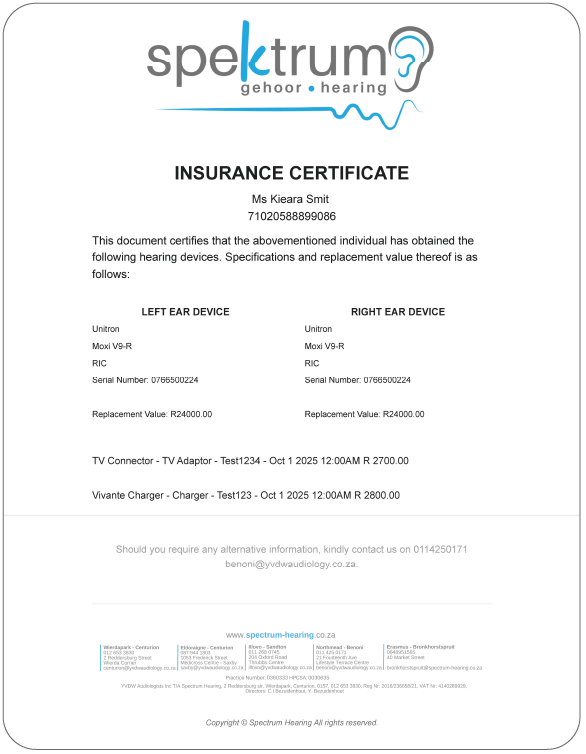
Insurance certificate & patient information document
Generate an insurance document for hearing aids & accessories which can immediately be sent to the patient. The system allows the user to print a patient information sheet for the hardcopy file should the practice’s operational method require it as such.
Repairs
The repairs feature can be used to keep track of any repairs that has been sent for repair or servicing and to keep the patient up to date with automated communication. With our To Do List feature the user is forced to complete tasks timeously to ensure exceptional service to the patient.
Calendar
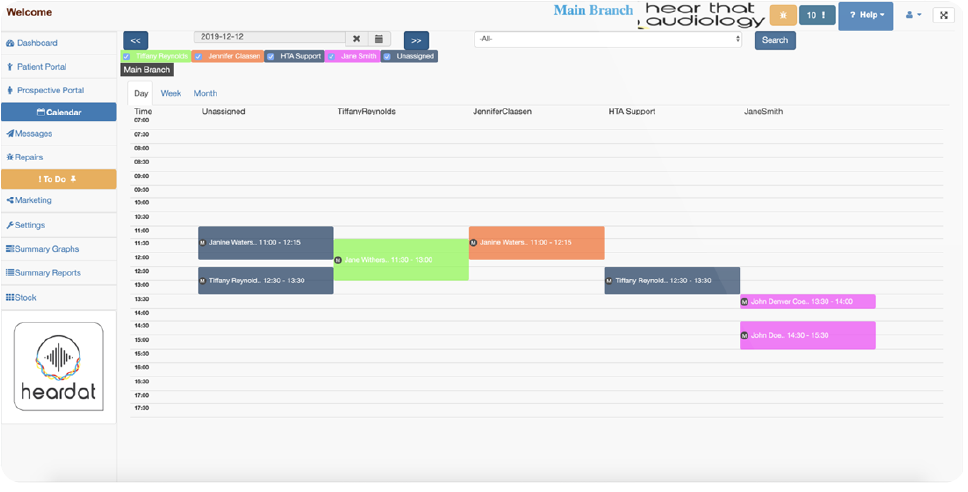
Book appointments for multiple users at multiple locations. Also see a short summary of the appointment details:
- Account number
- Cell phone number
- Reason for visit
- Any additional notes
- Preferred consultant/health professional
- Many more…
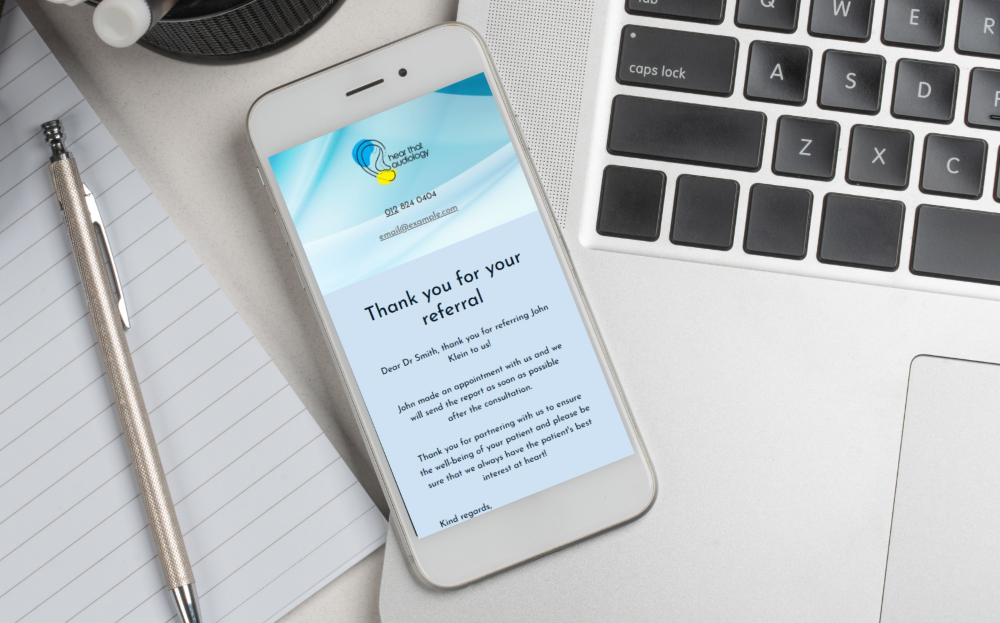
Referred doctor communication
Build a relationship with referring professionals by thanking them for them referrals. Assure them that you have their patient’s best interests in mind. Yes, all this is automated.
Notes & communication
See all notes made on the patient’s profile. You can also filter according to general / clinical / appointment / order notes.
See all incoming and outgoing communication for the patient and-, edit the patient’s opt out preferences.
Automated communication
Welcome: Sent immediately after a patient's first consultation to welcome them to the practice.
Birthday: Personalized birthday message sent on the patient’s birthday.
Referral: "Thank you" messages sent to both the referring professional and the patient who made the referral.
Appointment Reminders: Sent 1 hour, the morning of, or 24 hours before appointments to ensure punctuality.
Numerous nurturing emails such as:
- Post Fitting 1: Congratulating the patient.
- Post Fitting 2: Hearing aid care tips.
- Post Fitting 3: Troubleshooting tips.
- Post Fitting 4: Reminder to purchase hearing aid consumables.
Hearing aid candidate nurturing
Target specific, nurturing communication will be sent out automatically according to the reason the patient did not take hearing aids. Whether it may be that the patient is in denial, financial problems, ‘Have to think about it’ etc. Continuous and constructive communication via SMS and email to educate and persuade the patient in making an important and informed decision. The communication and information (Comms DNA) are based specifically on the patient in question. The first audiology CRM that is really customizable to suite any practice’s preference.
Motivational (MQA) sequence
Keep track of all your motivations currently in progress in the practice whilst automatically keeping the patient informed. Keeping it well organized so you can access the whole workflow at the click of a mouse.
To do list
When the user has set items lists to remind them on tasks for a specific patient after a consultation it all displays under the ‘To Do’ list. This includes Reports to be written, quotations that needs to be sent, product information that needs to be sent out, orders that needs to be done, billing that needs to be sent through for patients, a motivation, quotation and audiogram (MQA) that needs to be done, reminders that was set, SMS replies etc.
Marketing
Send bulk emails and SMSs to your patients. Target a specific demographic to the last bit of detail. Making your marketing strategy even more goal driven. Thanks to various filters, you’re in control of the ‘magic wand’.
You can also send marketing communication to your referring colleagues/doctors.
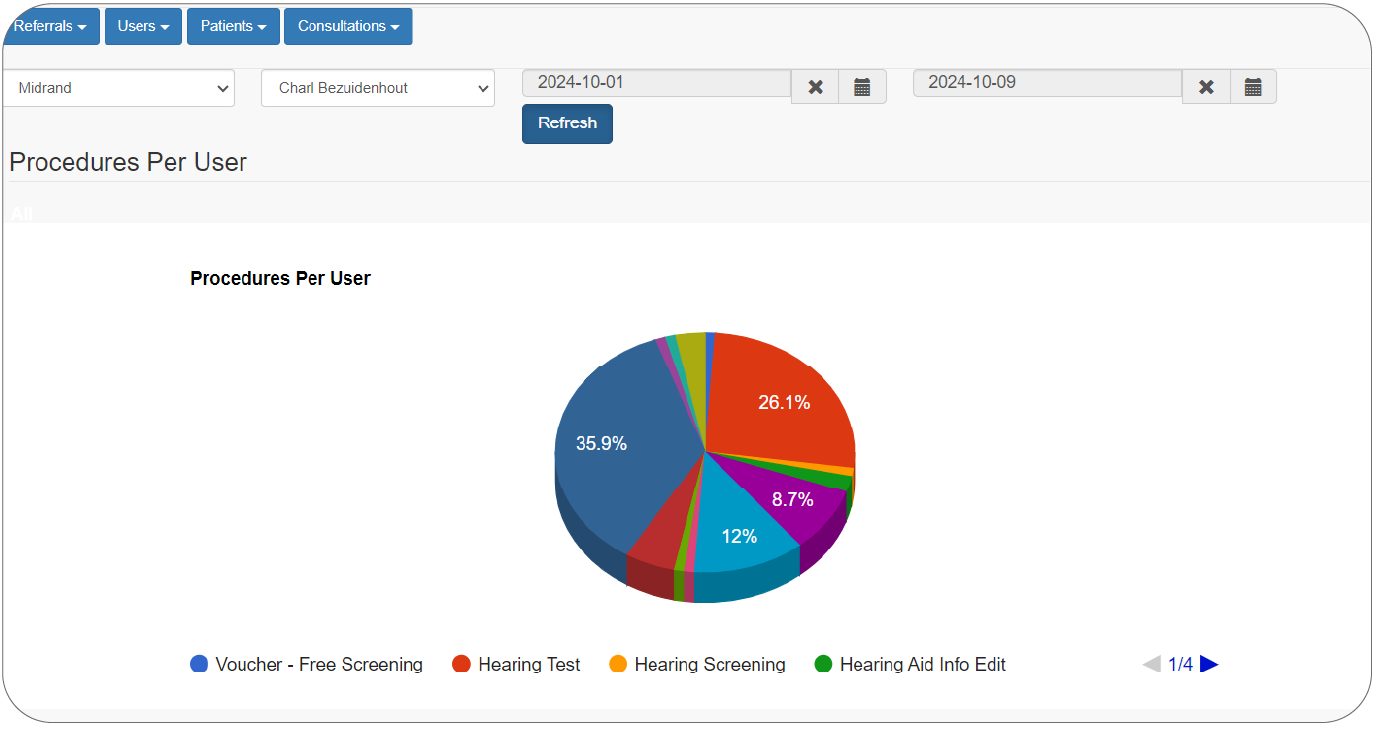
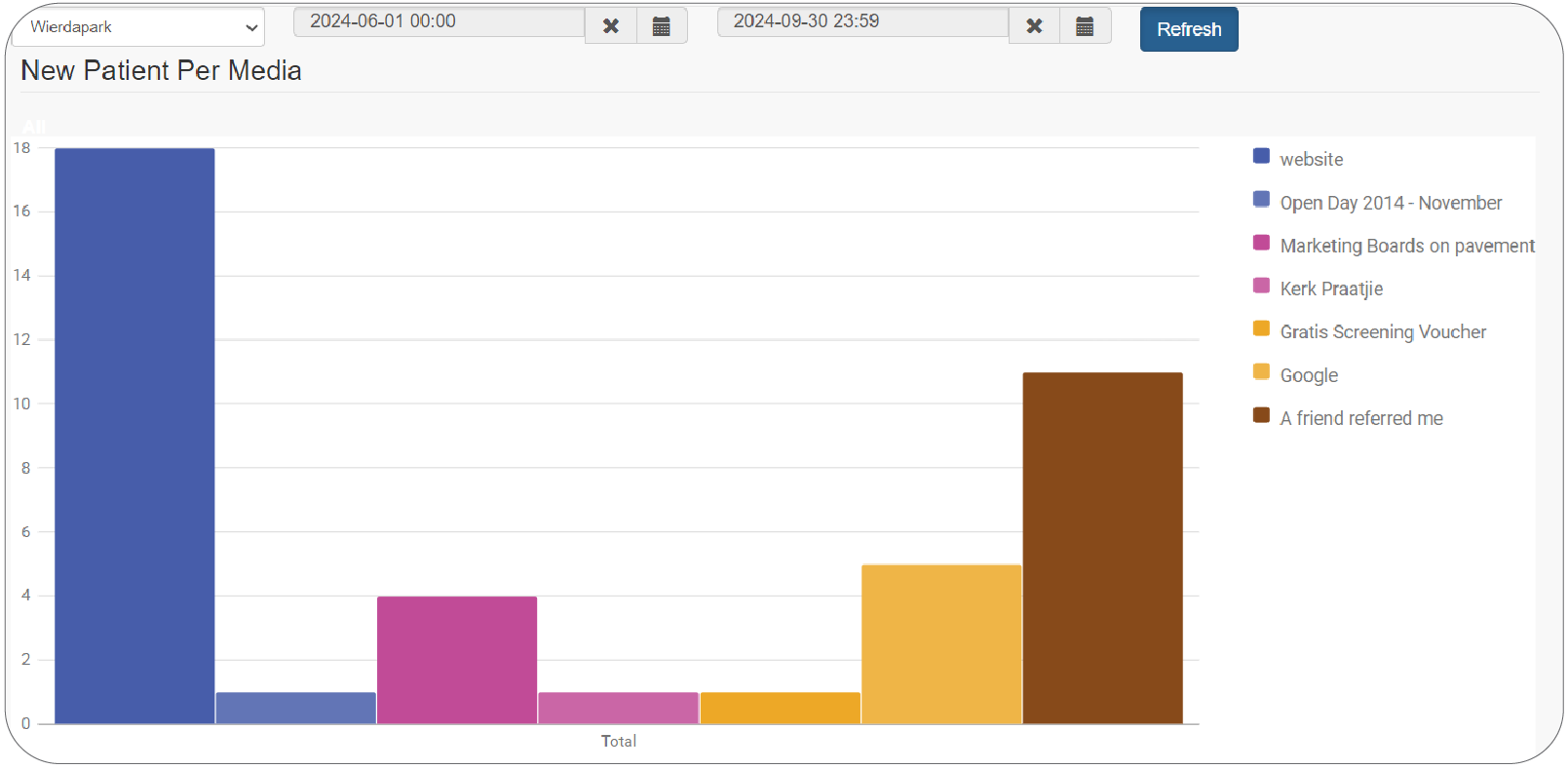
Reports & graphs
View different reports on the system such as messages sent, consultations added, different patient reports, appointment reports, search by serial number, find duplicate ID numbers on the system.
View certain aspects on the system in the form of a graph.
History
Export patient history such as:
- Consultations
- Appointment
- Repairs
- Hearing aid history
- Communication history
- SMS reply history
- etc.
Online admission form
Empower the patient. They fill out the virtual admission form prior to an appointment. It saves time and admin load. It also allows the patient to upload documents prior to the appointment. The system also enables the practice to incorporate a virtual admission form within the practice by using a tablet.
User clearance levels
Different user clearance levels can be set up for users in the practice. Practice owners can have more privileges and access as opposed to another user. Take control of your business remotely by monitoring each activity.
Orders
Keep track of all pending hearing aid and accessory orders while at the same time keeping your patient informed of the progress. The order is effortlessly placed and the system does the rest. From sending the order to the supplier with the user receiving confirmation, order status, user reminders to follow up and delivery of the order. Heardat does it all in the background. Select the devices/products you would like to order. An email is automatically sent to the supplier, user and keeps the patient informed of the process. Upon fitment one button ads all info to the patient’s profile.
Security
Not only do we comprehend the impeccable importance of information security, but we also enforce it with various levels of security protocols and the highest standard of failsafe modules built into our software. Data integrity provides invaluable purpose to any business. Therefor we are constantly looking for potential threats by implementing various scenarios. This way we stay ahead of potential threats. We are proudly POPIA compliant as well as GDPR compliant.
Remote access
Access you whole patient data base from any laptop or tablet. Added encryption security protocol to ensure information security.
Continuous developments & updates
Heardat is continuously growing and being updated as needs arise. No…you won’t have to worry about installing any updates. It is all done by itself without your worrying. You’ll be informed on new features on a weekly to monthly basis. Due to the system being a web-based program, we take care of the less interesting stuff.